ChatGPT is still the best place to start a quick draft or ask a general question, but it stopped being the best tool for every job. For research, long documents, coding, slides, design, meetings, and automation, there are now ChatGPT alternatives that quietly beat it at one specific thing. Here are the nine we reach for instead.
Most teams pay for one chatbot and push every task through it. That works until the work gets specific. The cost of the wrong tool is not a crash. It is a slightly worse output, every single time, and you stop noticing because you have nothing to compare it against.
Why ChatGPT stopped being our default for everything
ChatGPT did not get worse. The alternatives got more specific.
A year ago, one model was clearly ahead on almost everything, so reaching for it by default made sense. By early 2026 that gap had closed. ChatGPT's share of chatbot traffic slid from the high 80s into the mid-60s, not because people left, but because they stopped using it for tasks where something else now does the job better.
We run AI automations for small and medium businesses, so we test a lot of tools in real client work. The pattern is consistent. The winners are not better chatbots. They are narrow tools that do one job properly and get out of the way.
The 9 ChatGPT alternatives we actually use
Each of these replaced ChatGPT for one specific job in our day. None of them replaced it for all of them.
1. Perplexity
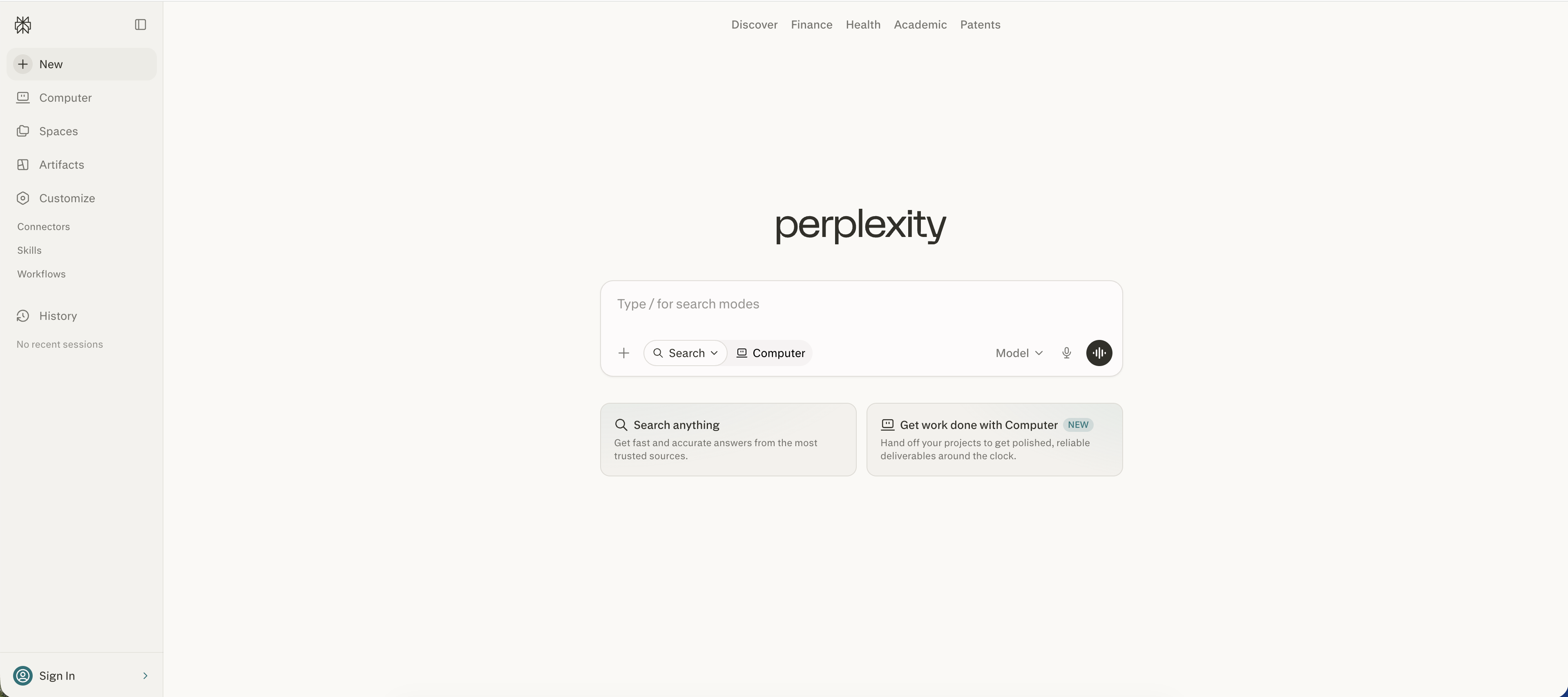
ChatGPT will happily answer a research question and invent half the sources. Perplexity answers the same question and shows you exactly where each claim came from, with live links you can click and check.
That difference matters the moment the answer leaves your screen. If you are putting a number in a client proposal or a board deck, "the model said so" is not good enough. A cited source is.
We use it for anything that needs to be true: market sizing, competitor checks, pulling current pricing, fact-checking a draft before it goes out. The takeaway: when the output has to survive scrutiny, use the tool that shows its work.
2. Claude
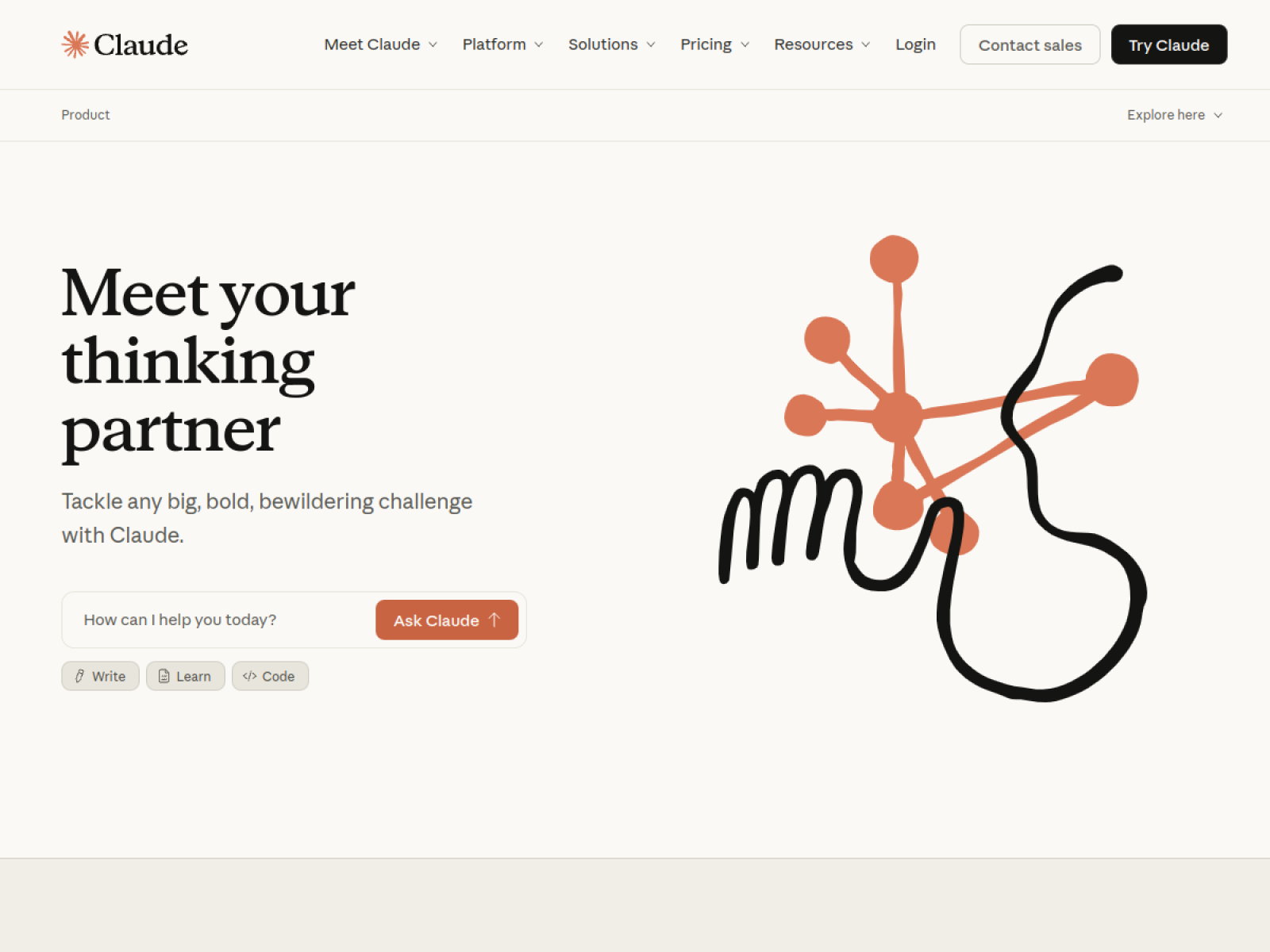
For long documents and careful reasoning, Claude is the one we trust. Hand it a 40-page contract, a messy transcript, or a tangled brief, and it holds the whole thing in its head without losing the thread halfway through.
It also follows instructions more literally. When we say "do not add a conclusion" or "keep every figure exactly as written," it actually listens, which sounds small until you have spent an hour fighting a model that keeps helpfully rewriting things you asked it to leave alone.
We use Claude for editing, summarising dense material, and any writing where tone and accuracy both matter. The takeaway: for depth and discipline, not just speed, this is the better seat.
3. Gemini
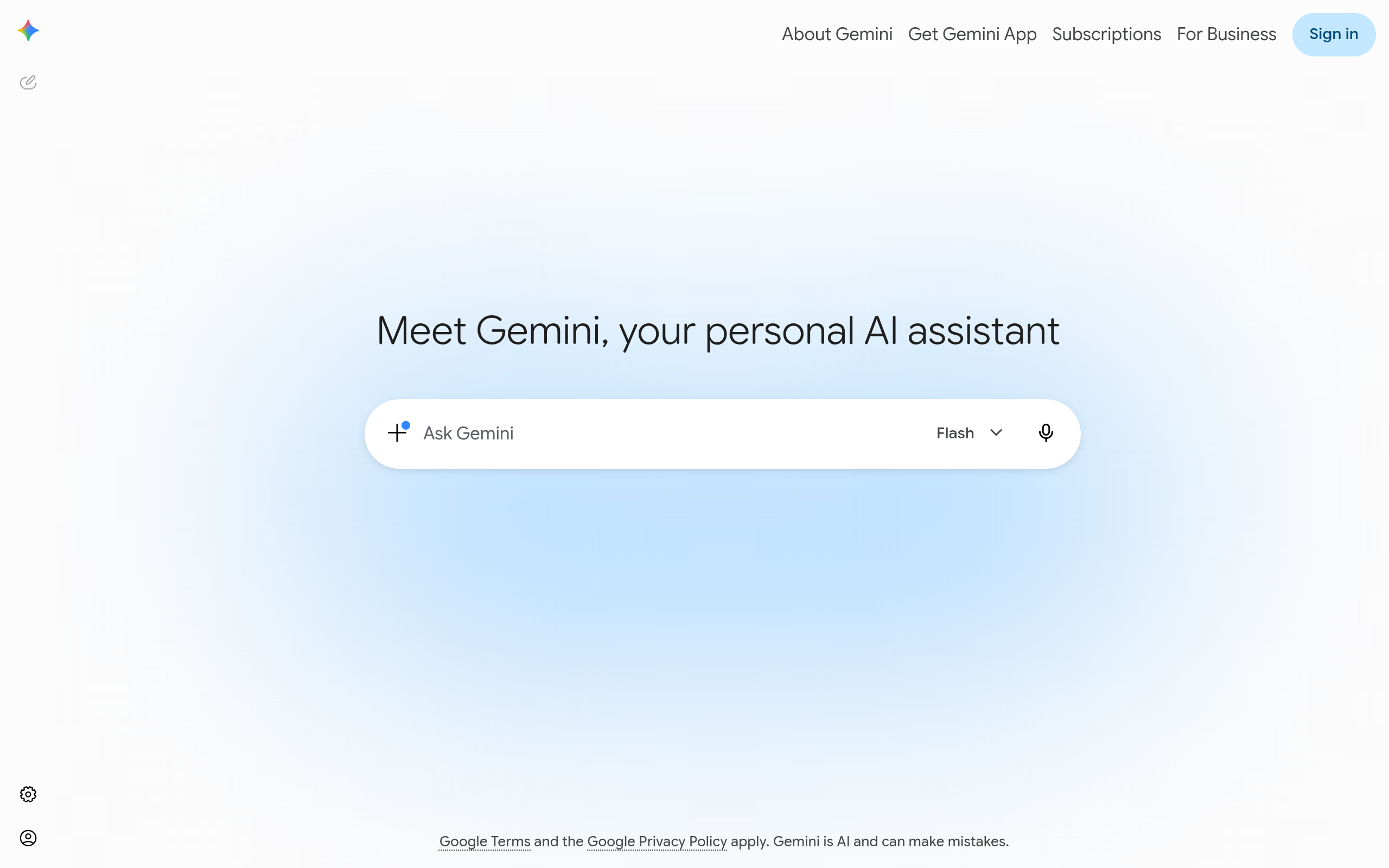
If your work lives inside Google, Gemini is already where the data is. It reads your Gmail, your Docs, your Sheets, and your Calendar without you copying and pasting context into a chat window first.
That context is the whole point. Asking a chatbot to "summarise this week's emails from the supplier" only works if it can actually see the emails. Gemini can. ChatGPT, sitting in a separate tab, essentially can too, but I've personally found Gemini does it best.
We reach for it for quick lookups across a Google Workspace, drafting replies in context, and pulling a fast answer out of a spreadsheet. The takeaway: the best tool is often the one that already has your data.
4. NotebookLM
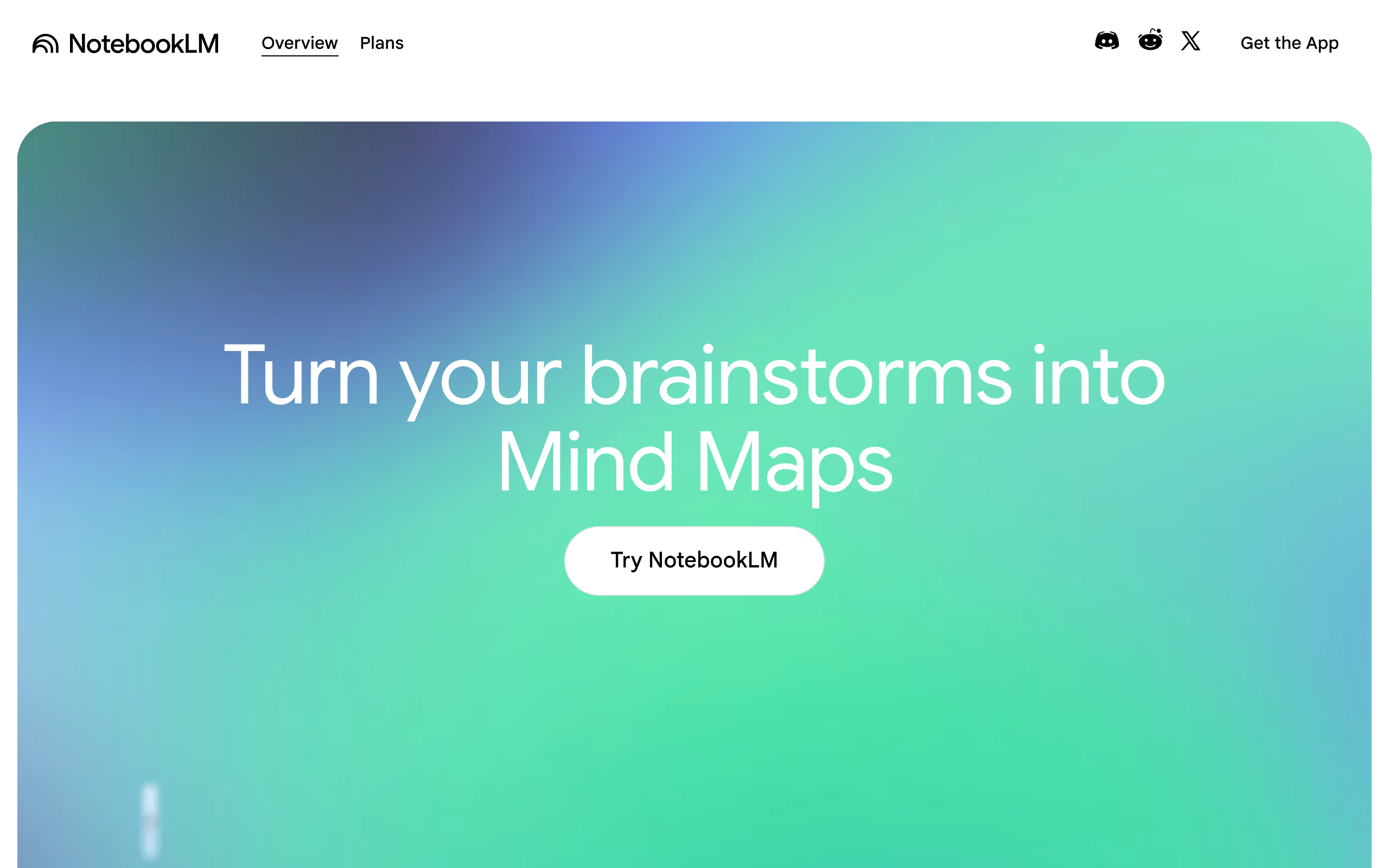
NotebookLM only answers from the documents you give it. You upload your PDFs, reports, and notes, and it becomes an expert on that material and nothing else.
This is the opposite of how ChatGPT works, and that is exactly why we use it. It will not pad an answer with general knowledge it picked up somewhere on the internet. Every reply points back to a line in your own sources, so you can trust it inside a regulated or detail-heavy process.
We use it to build a grounded knowledge base from a client's internal documents, then ask it questions a new team member would ask. The takeaway: for answers about your stuff, ground the model in your stuff.
5. Cursor
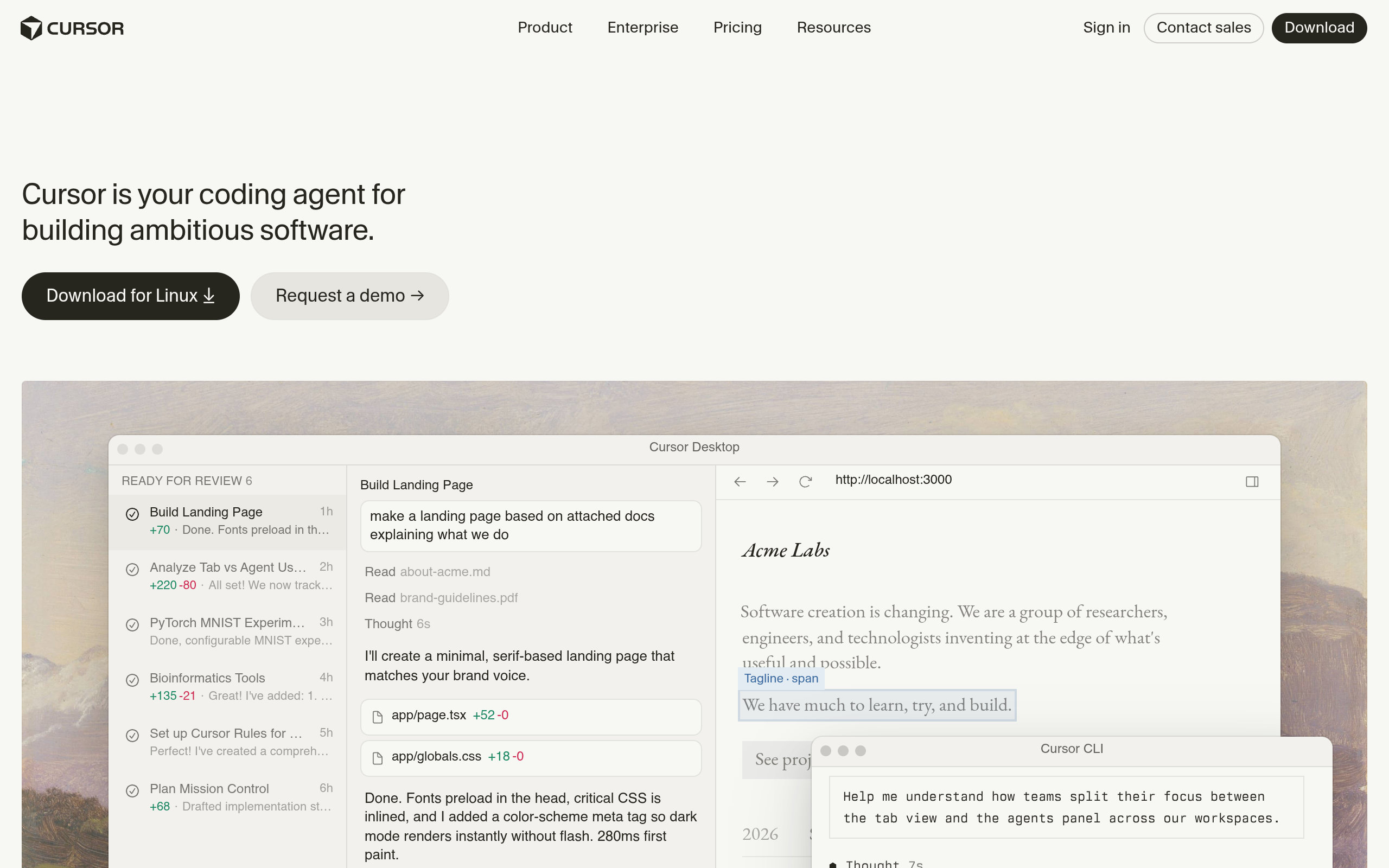
ChatGPT can write a code snippet. Cursor can build inside an actual project. It reads your whole codebase, edits across multiple files, and understands how the pieces connect, instead of handing you a clever fragment you still have to wire in by hand.
For anyone shipping real software, that is the difference between a toy and a tool. The hard part of building was never writing one function. It was changing one thing without breaking five others.
We use it for client builds, internal tools, and the glue code that holds automations together. Of course, you can also use Claude Code within Cursor which we do most of the time. The takeaway: for software, you want a tool that sees the whole project, not a single file.
6. Gamma
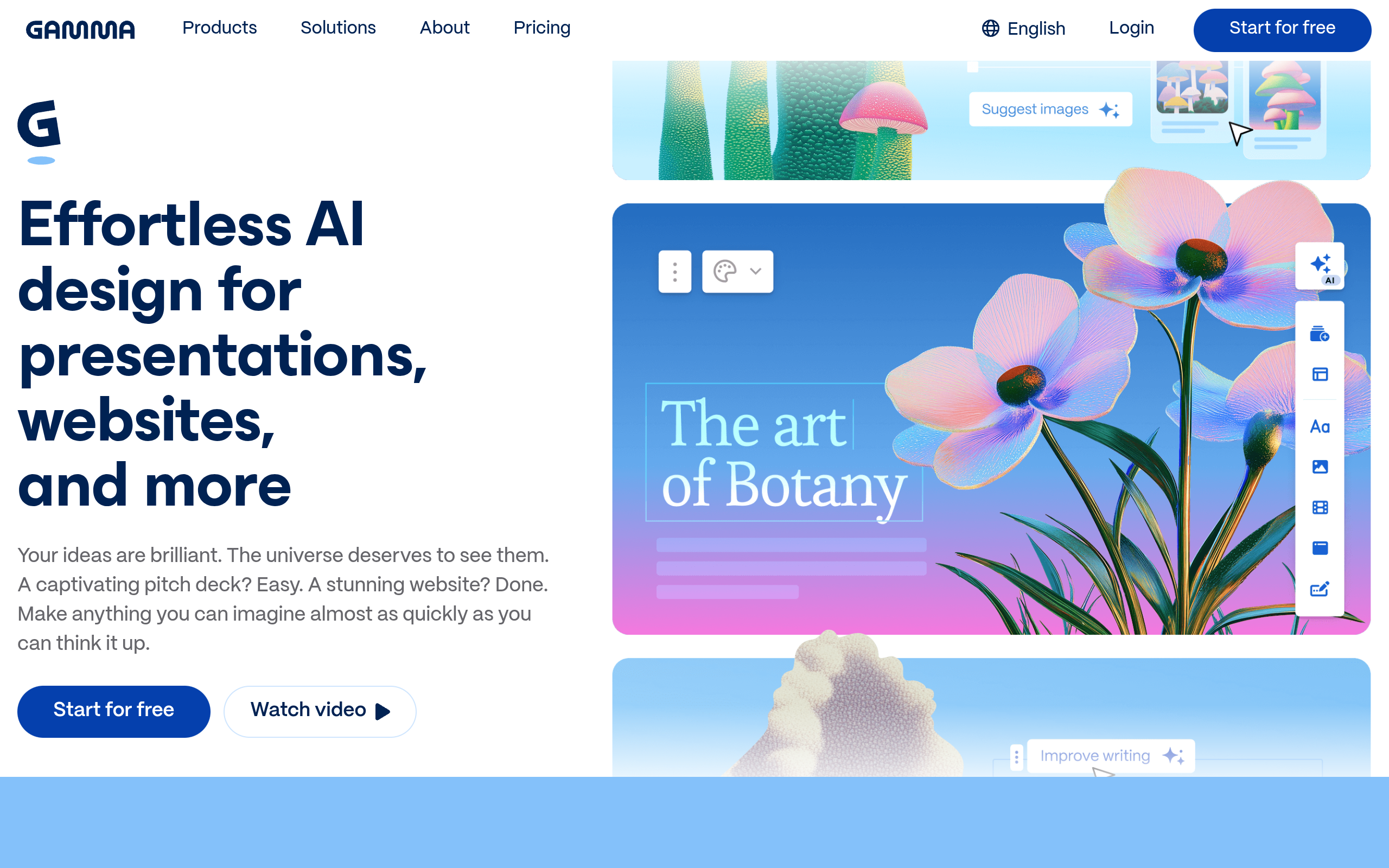
Turning a rough outline into a presentation is exactly the kind of slow, fiddly work nobody enjoys. Gamma takes a few bullet points and produces a full deck, formatted and laid out, in under a minute.
ChatGPT can write the words for a slide. It cannot design the slide. Gamma does both, and the default output is usually better than what a busy person would build by hand at 11pm before a meeting.
We use it for first-draft decks, internal proposals, and quick one-pagers we then polish in our own brand. The takeaway: for anything visual and structured, start from a tool that thinks in slides.
7. Ideogram
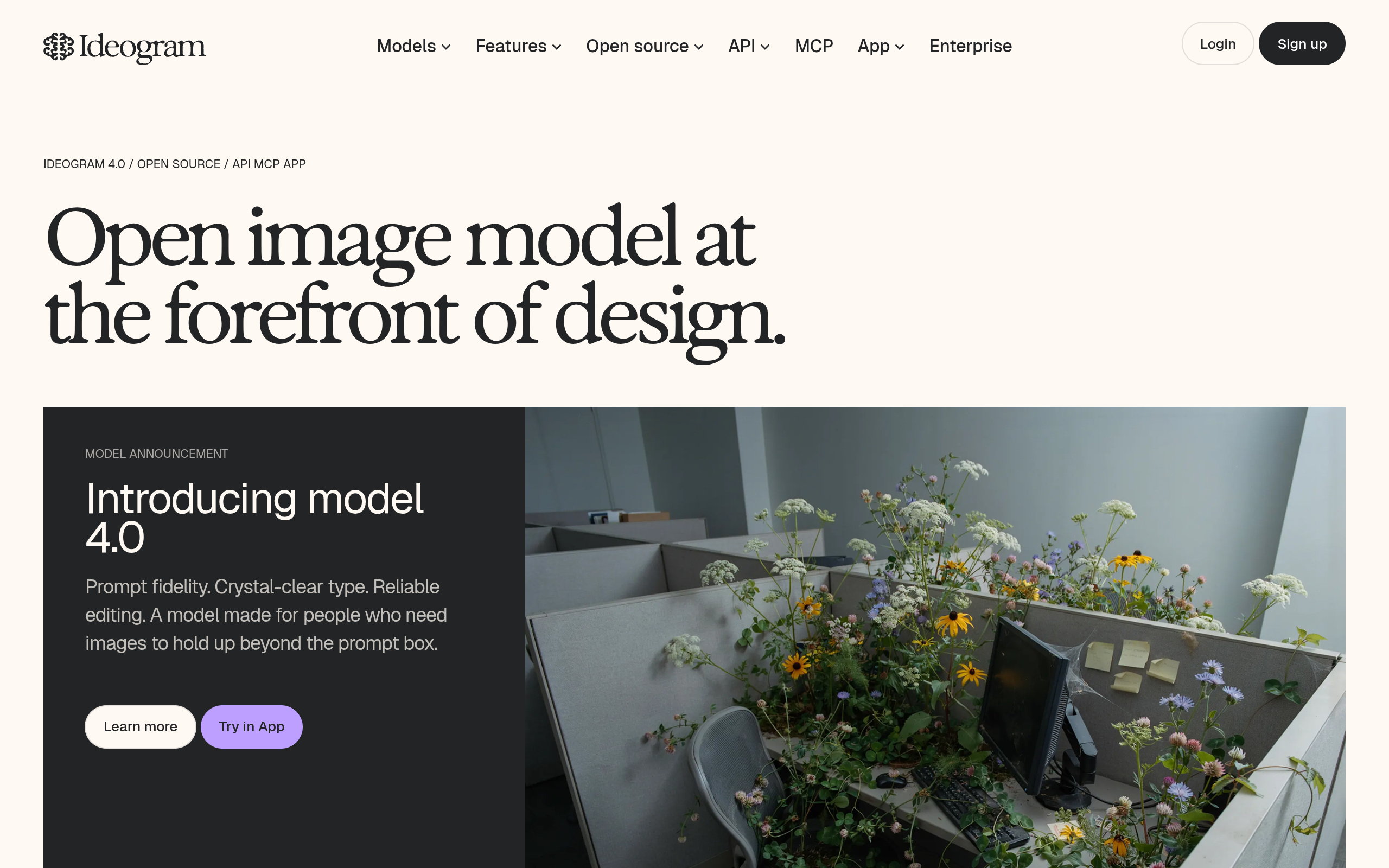
For marketing images that need readable text on them, Ideogram is the one we trust. Most image models still mangle words inside a picture. Ideogram gets the spelling, the layout, and the typography right often enough to actually use.
That is the practical gap for any business. A general chatbot can describe an image. It cannot reliably produce a social post, an ad, or a banner with your headline rendered cleanly across it.
We use it for quick campaign visuals, social graphics, and concept mockups before a designer takes over. The takeaway: match the tool to the medium, and for text-in-image, this beats the generalists. OpenAI's new image model however is still very good.
8. Granola
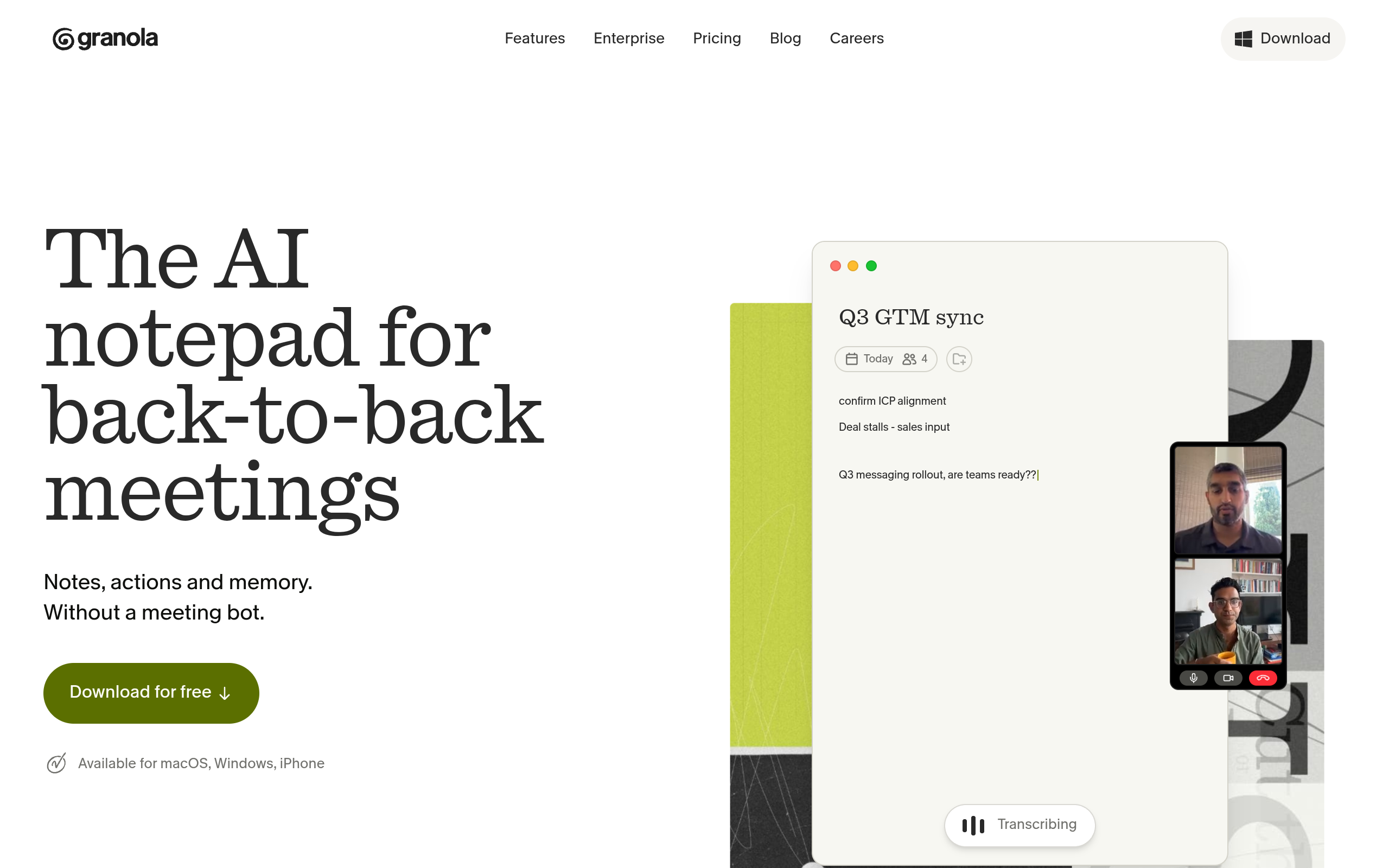
Granola takes notes in your meetings so you do not have to. It listens, captures the decisions and action items, and hands you a clean summary the moment the call ends, without a clumsy bot joining the call as a guest.
ChatGPT can tidy up notes you already took. Granola removes the taking. That sounds minor until you count how many hours a week your team spends writing up calls instead of acting on them.
We use it across client calls and internal standups, then push the action items straight into our project tracker. The takeaway: the best note-taker is the one that needs zero effort from you. Similar is also Fireflies which we also use, highly recommend it too.
9. n8n
n8n is where the other eight stop being separate tabs and start being a system. It is an open-source automation platform that connects apps and AI models into workflows that run on their own, triggered by an email, a form, a new row, or a schedule.
This is the tool that changes the whole picture. On its own, every tool above still needs a human to open it, paste something in, and copy the result somewhere else. n8n removes the human from the boring middle and lets the work flow.
We use it to wire research, drafting, and routing into pipelines that run without anyone watching. The takeaway: the real upgrade is not a better chatbot, it is connection.
The real lesson: a pile of tools is not a system
Nine tabs is not a strategy. It is just a more expensive version of the original problem.
A debt firm we worked with did not fix their onboarding by switching chatbots. They were drowning in client documents, chasing paperwork by hand, losing days every week to follow-ups. We connected the right tools into one pipeline: intake, validation, reminders, and filing, all running automatically. The result was 142 hours a week given back to the team and 215% more documents collected, with no extra headcount.
None of that came from a smarter prompt. It came from wiring specific tools to specific jobs and letting them hand off to each other.
Before you add another tool, ask three questions:
- What is the one job I actually need done?
- Which tool is built specifically for that job, not generally good at everything?
- Can it hand its output to the next step without a human copying and pasting?
If the answer to the third question is no, you do not have a system yet. You have a collection.
What this means for your business
Stop trying to win with one tool. The teams pulling ahead in 2026 are not the ones with the best chatbot. They are the ones who matched the right tool to each job, then connected those tools so the work moves on its own.
Pick one slow, repetitive process this week. Map which of these tools fits each step. Then ask whether those steps could hand off automatically instead of through a person.
If you want the right tools wired into one system instead of nine tabs you switch between, see the four categories we build on our solutions page. That is where tools stop being a pile and start working as one.